Record
Orders, visits and structured outcomes.
One connected sales journey
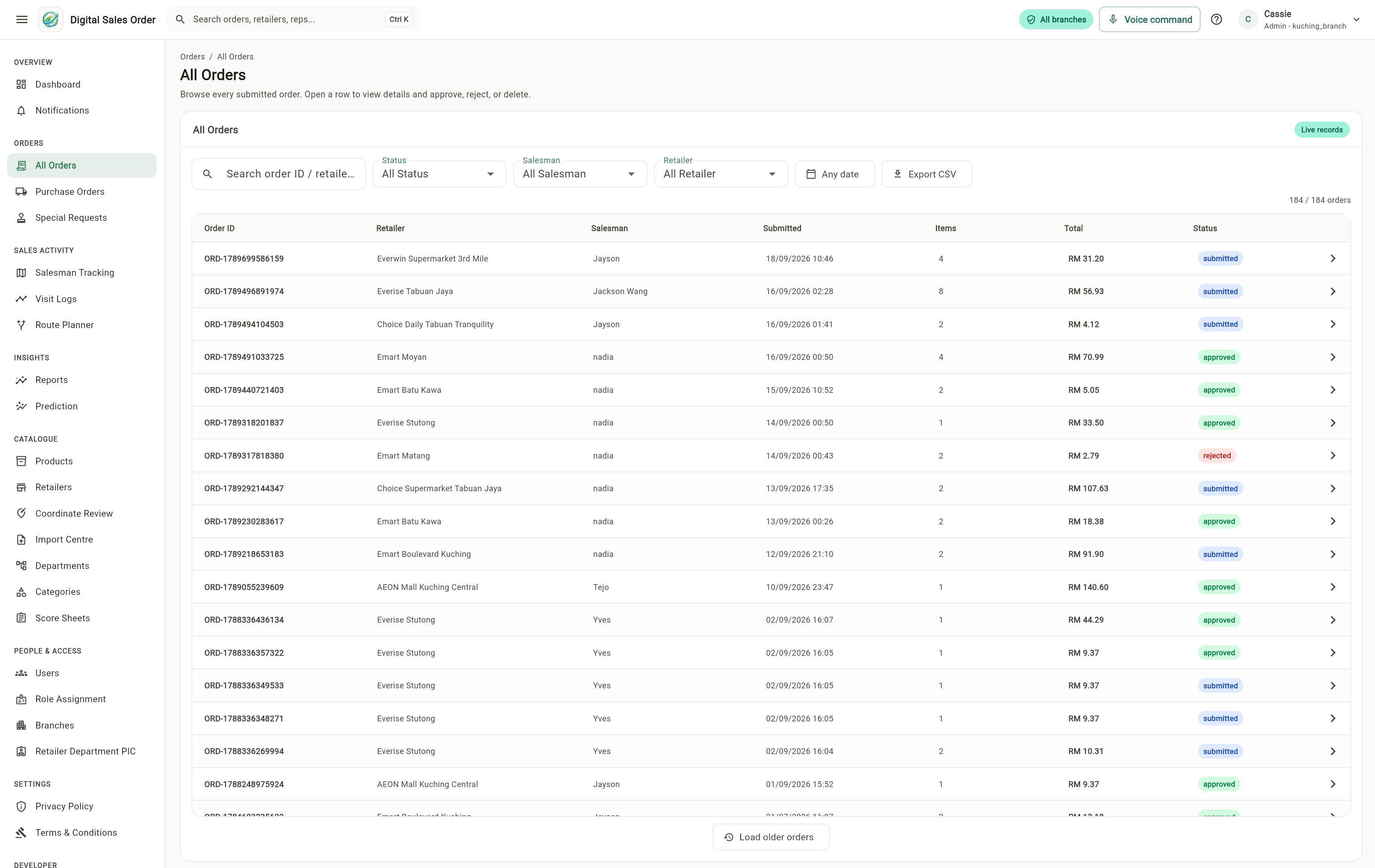
Record orders during retailer visits, keep them through connection drops, and share them with authorised teams.
Follow the journey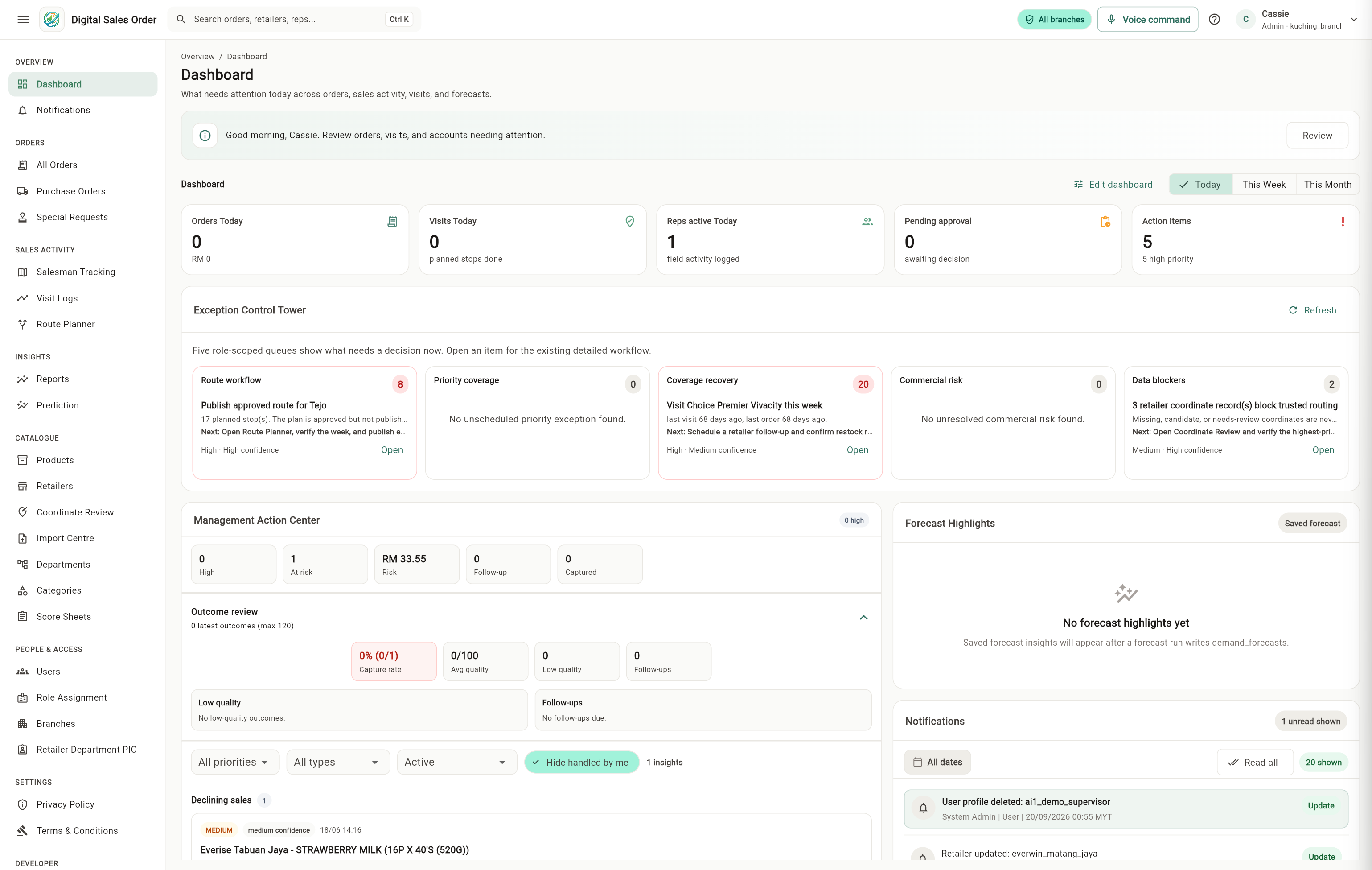
Where this starts
Paper moved between people. Now the order travels once.
Retailer score sheets
Start from the shared product catalogue, then choose and organise the products that matter for each retailer. The salesperson receives that focused list in the field.
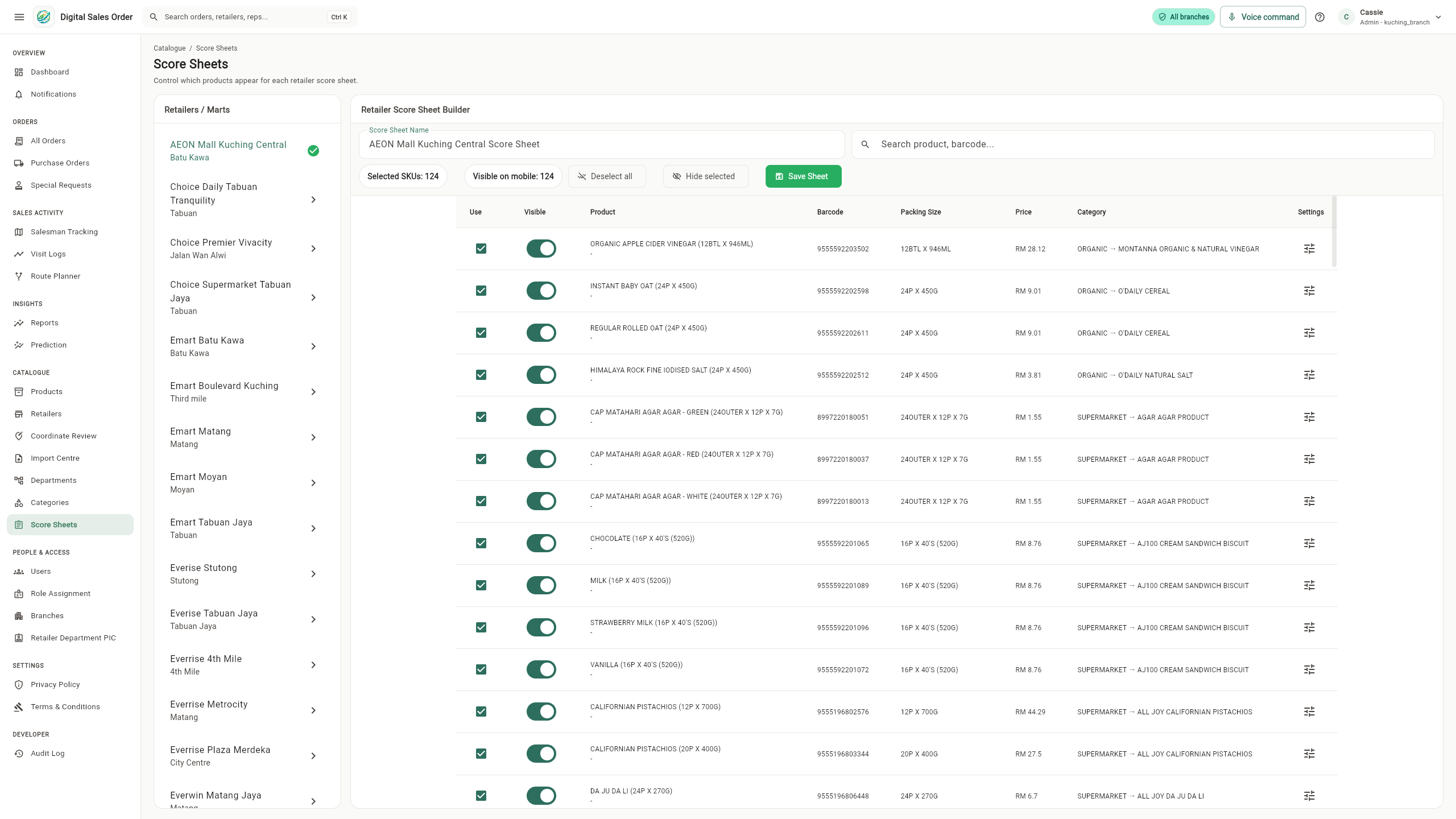
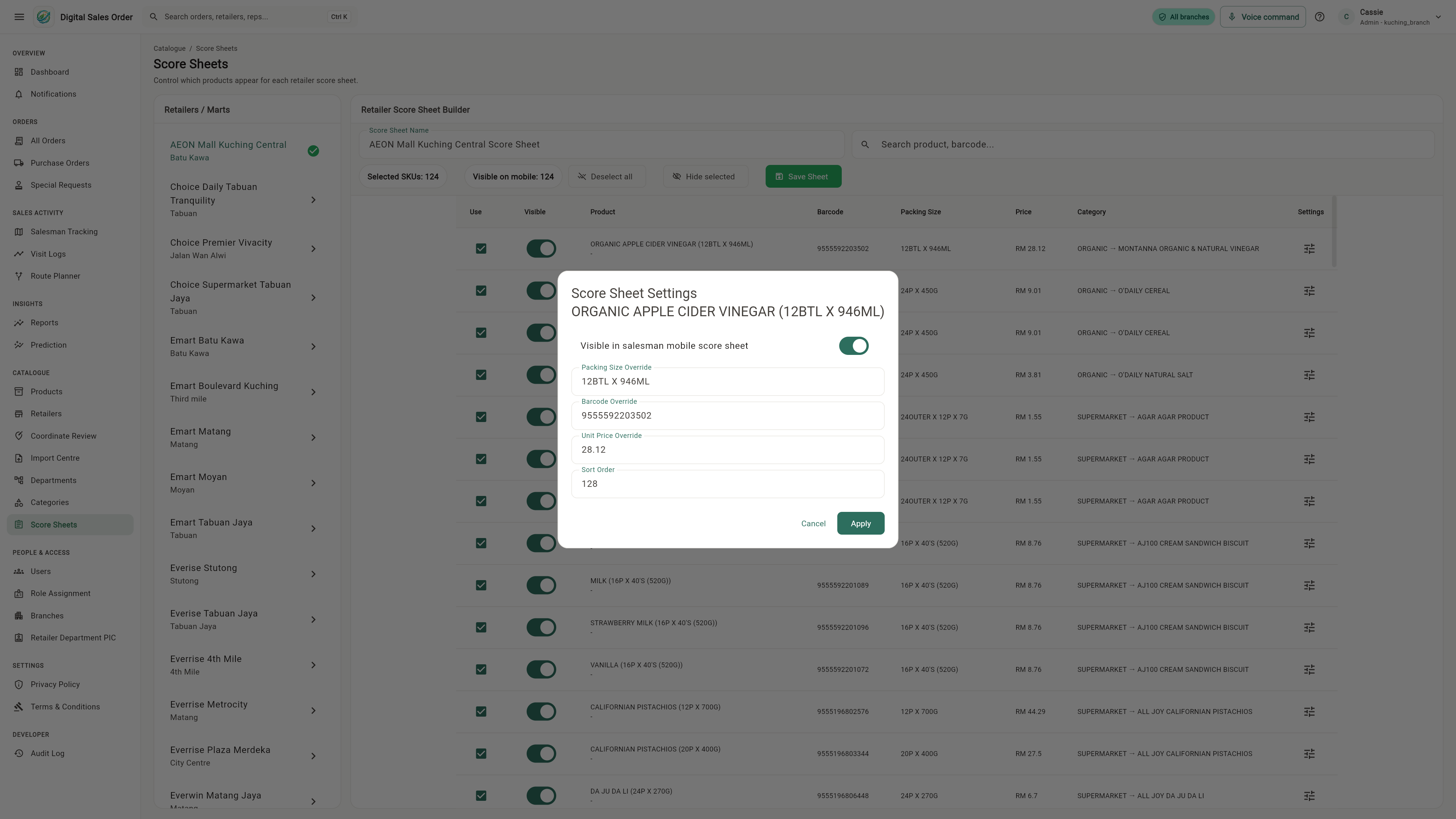
Keep the shared product, then apply retailer-specific visibility and operational overrides.
The salesperson works from the configured product selection while retaining search, categories and quantities.
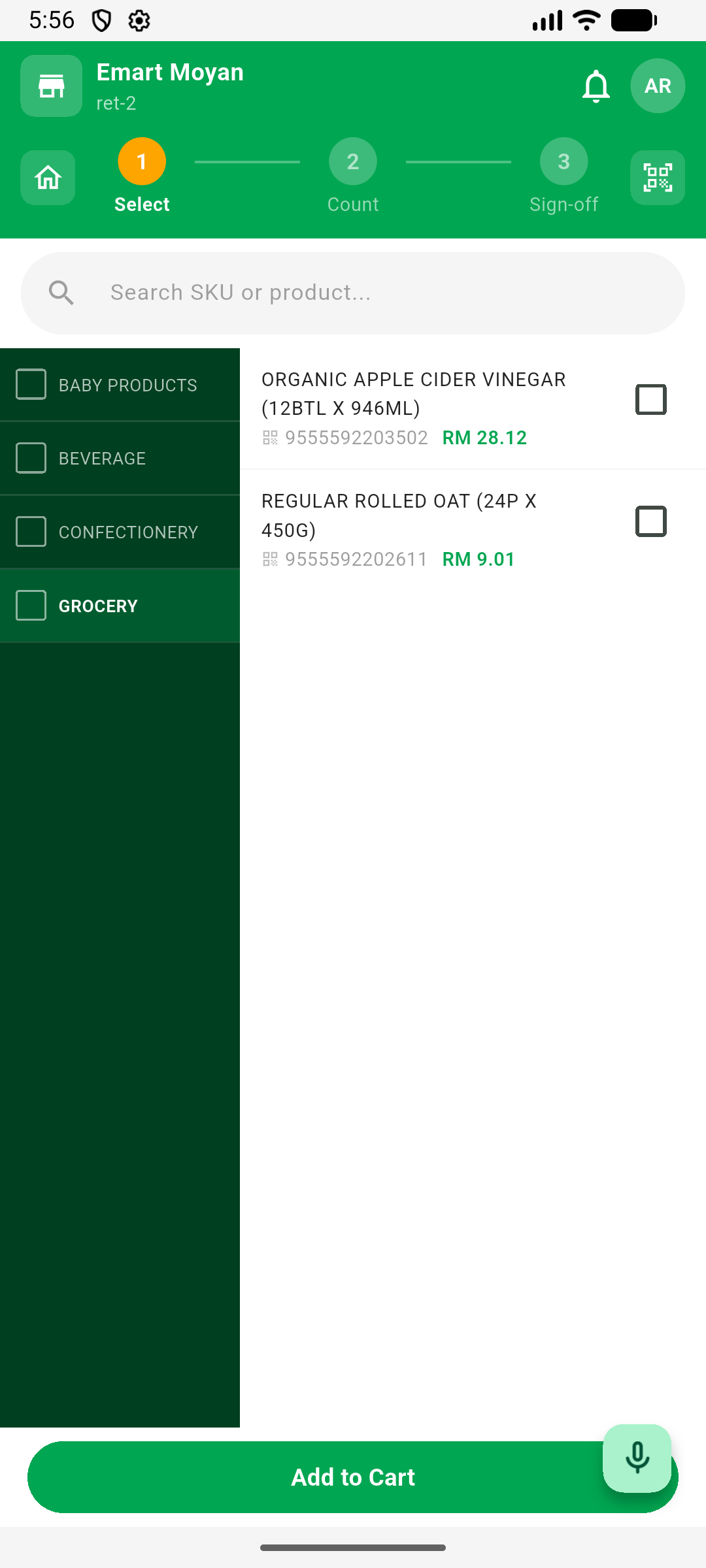
The salesperson’s visit
Step 01
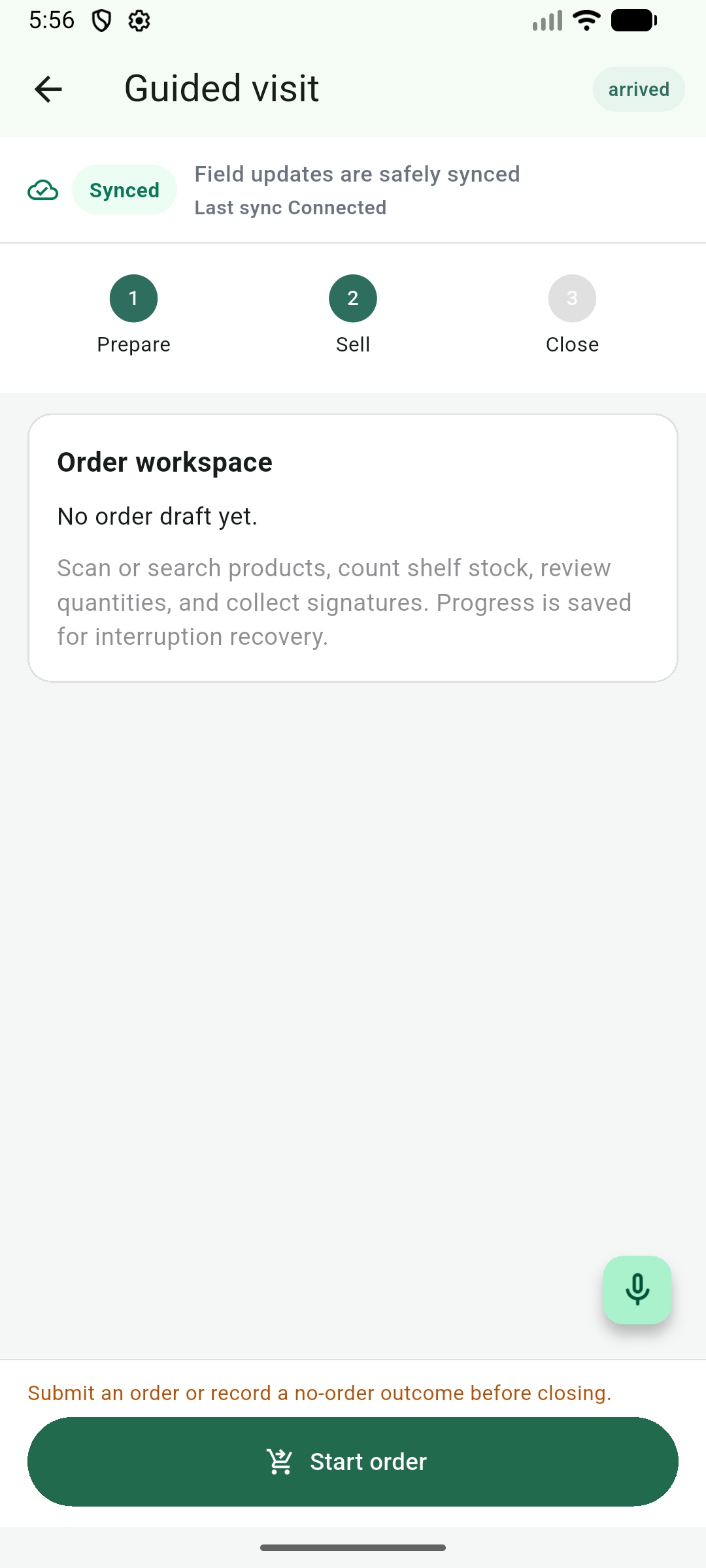
Open the retailer and begin the guided visit.
Step 02
Find products and enter the requested quantities.
Step 03
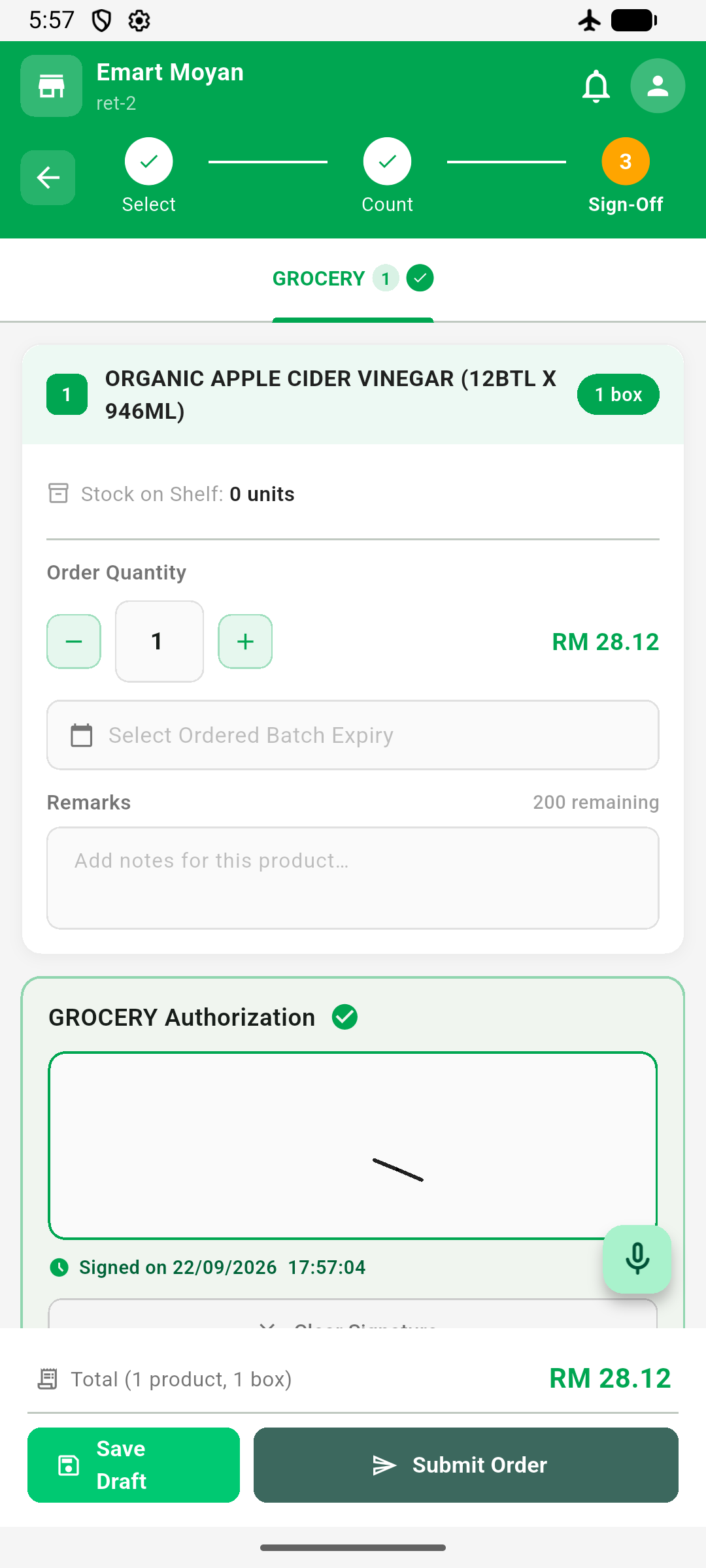
Review the order and capture the signature.
Prioritisation and routes
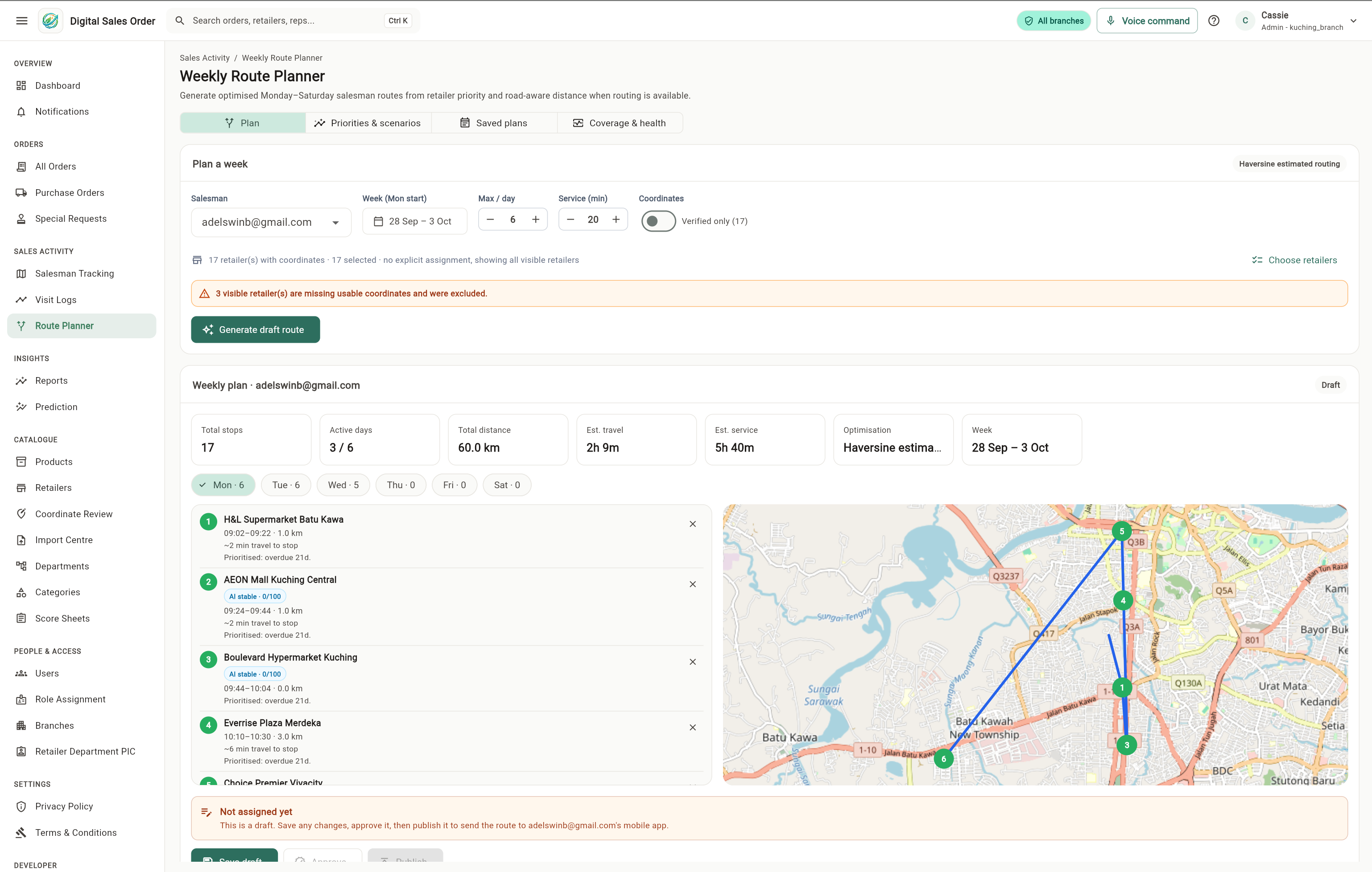
The system suggests priorities. A manager reviews and approves the route before it is published and assigned.
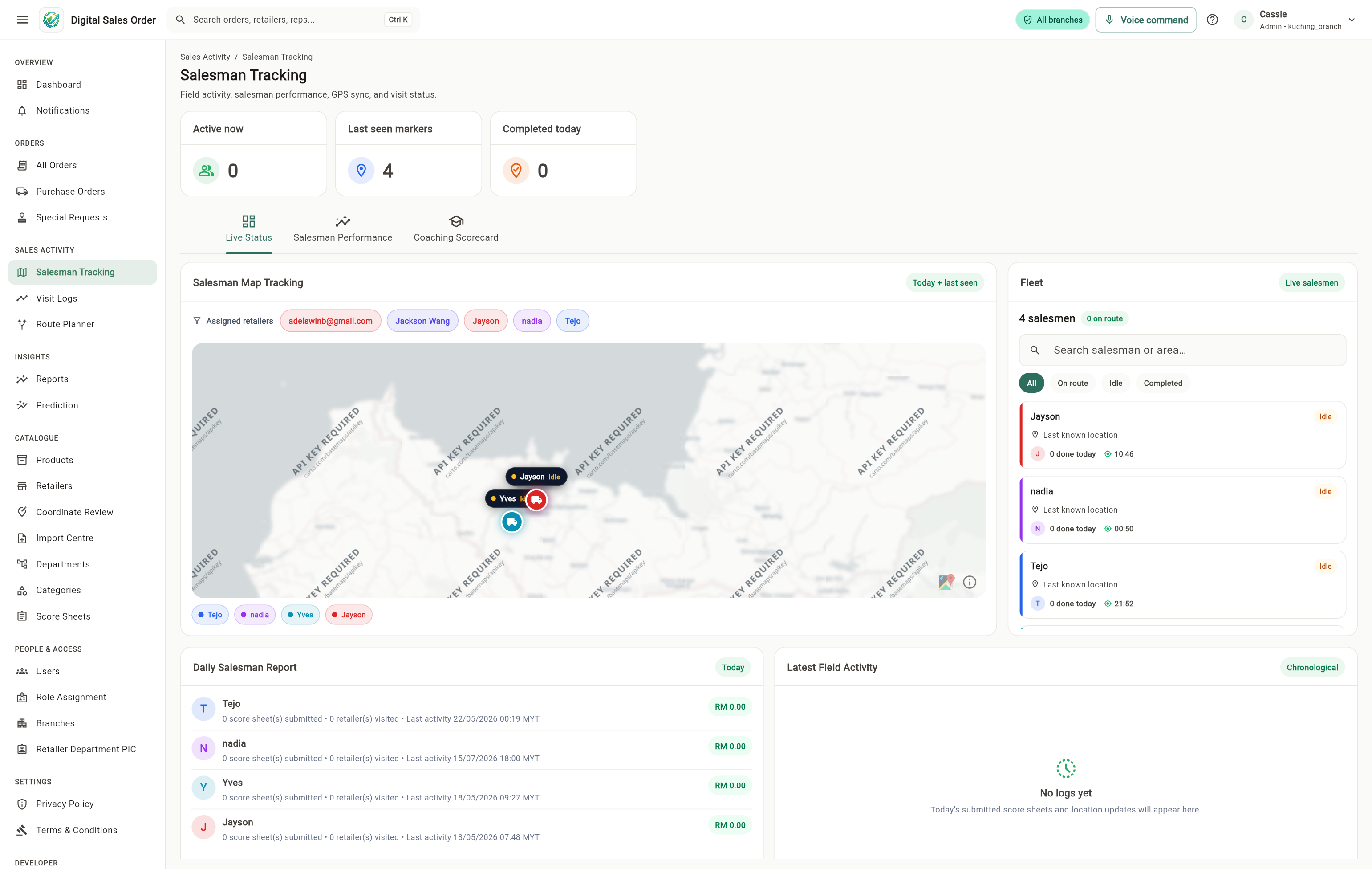
Role-scoped queues surface approved-route work and retailer coverage follow-ups that need a decision.
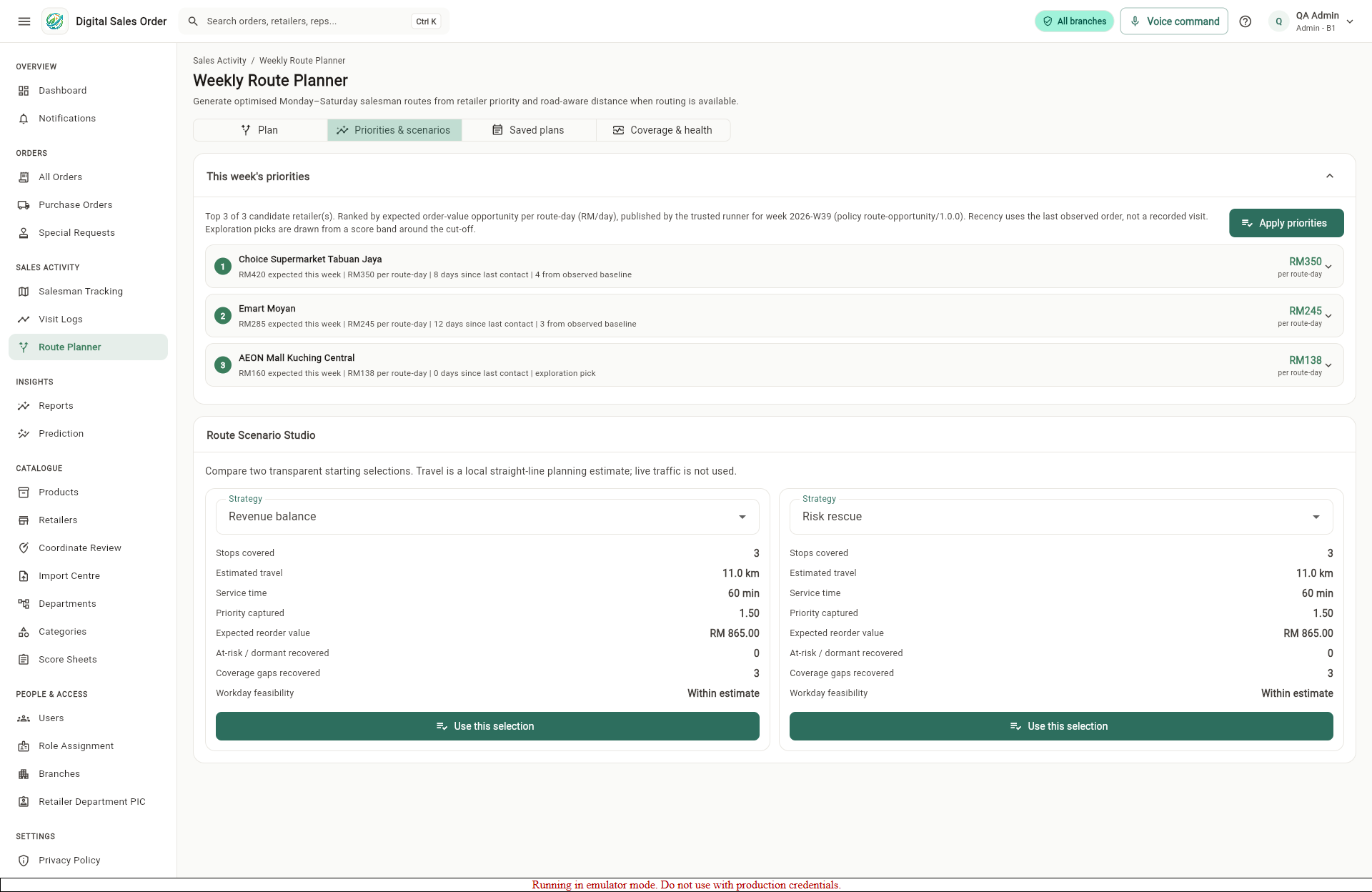
A manager compares ranked candidates and transparent route scenarios before choosing a starting selection.
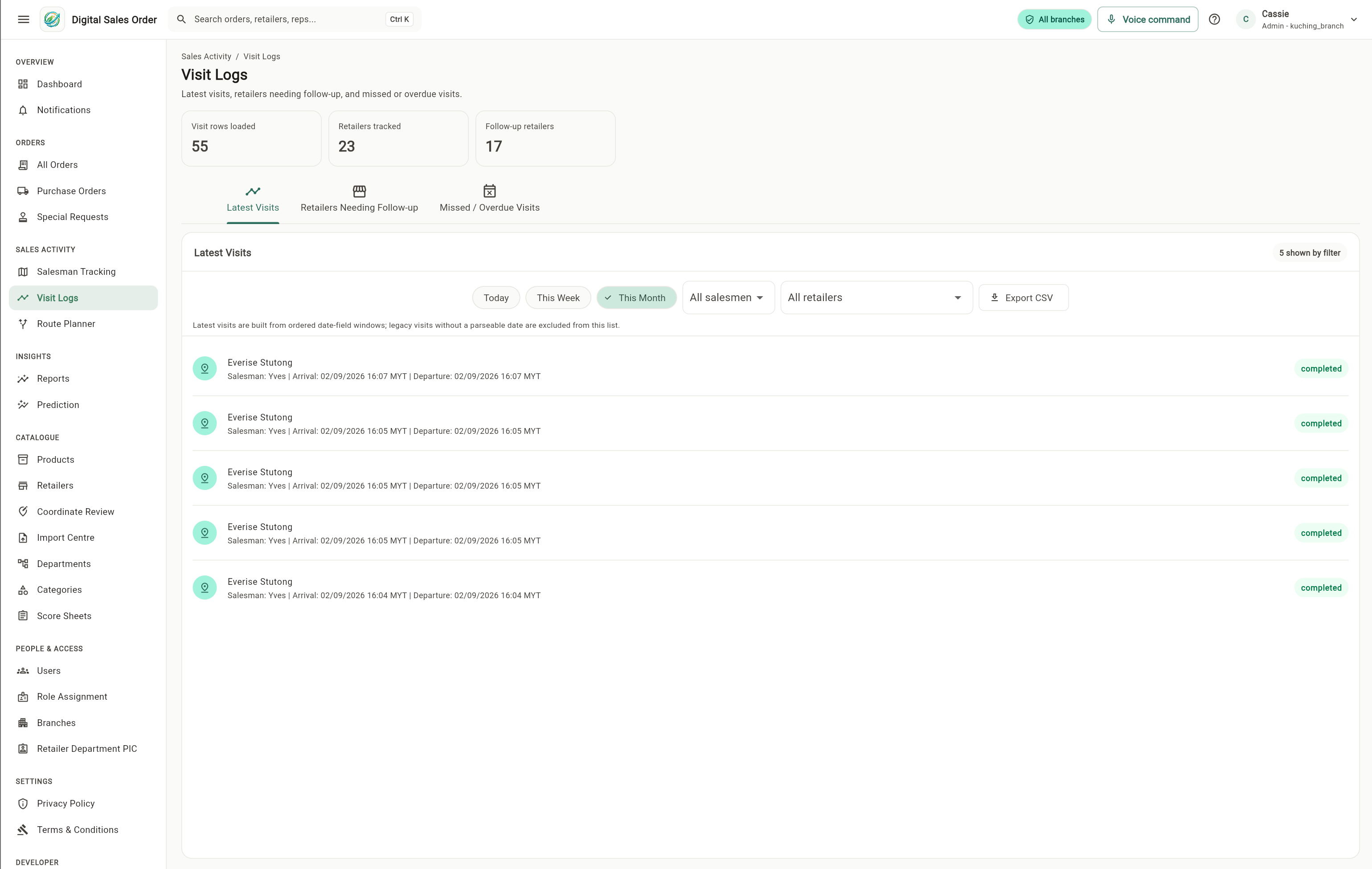
Latest visit records and follow-up counts return operational evidence for the next planning cycle.
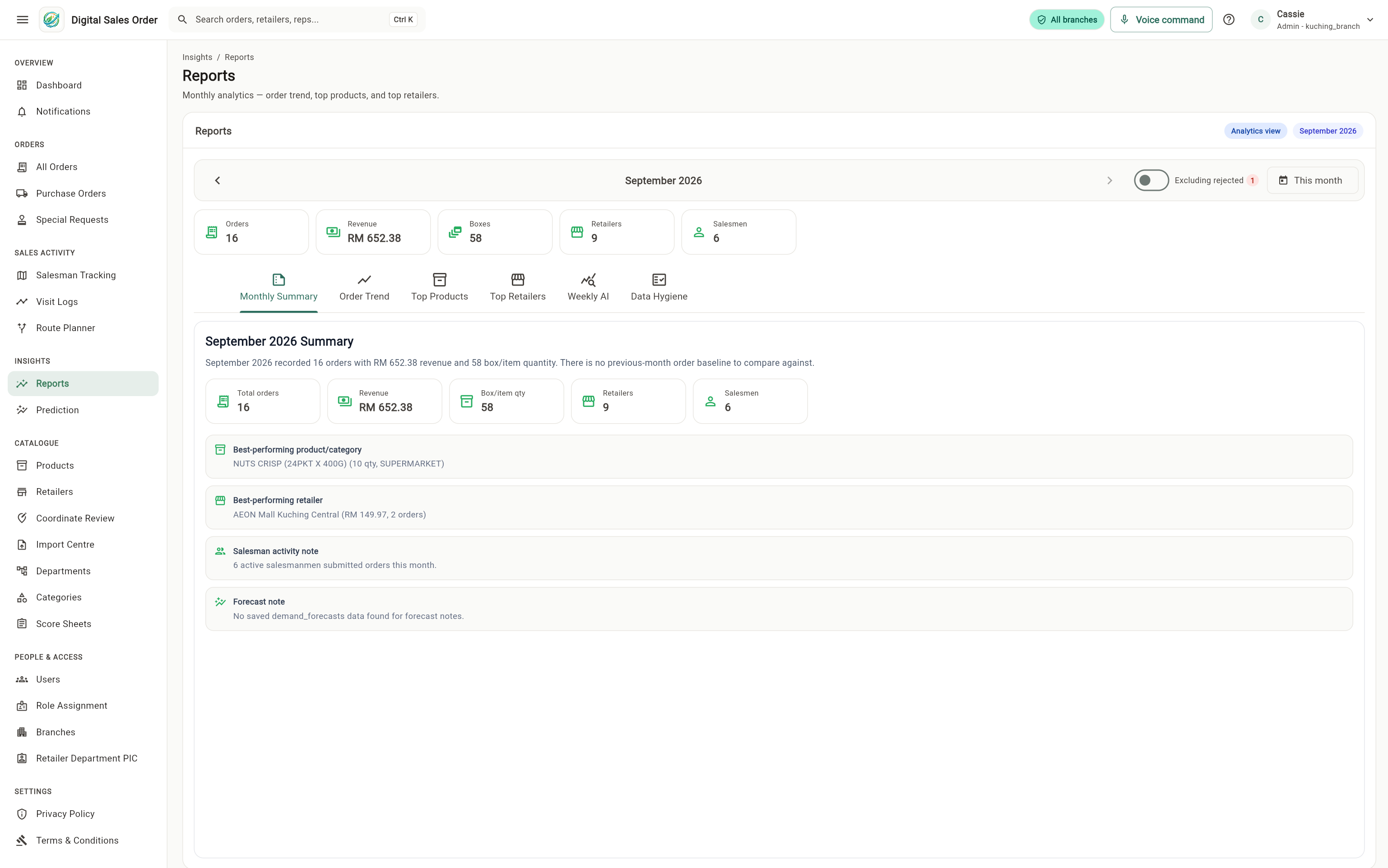
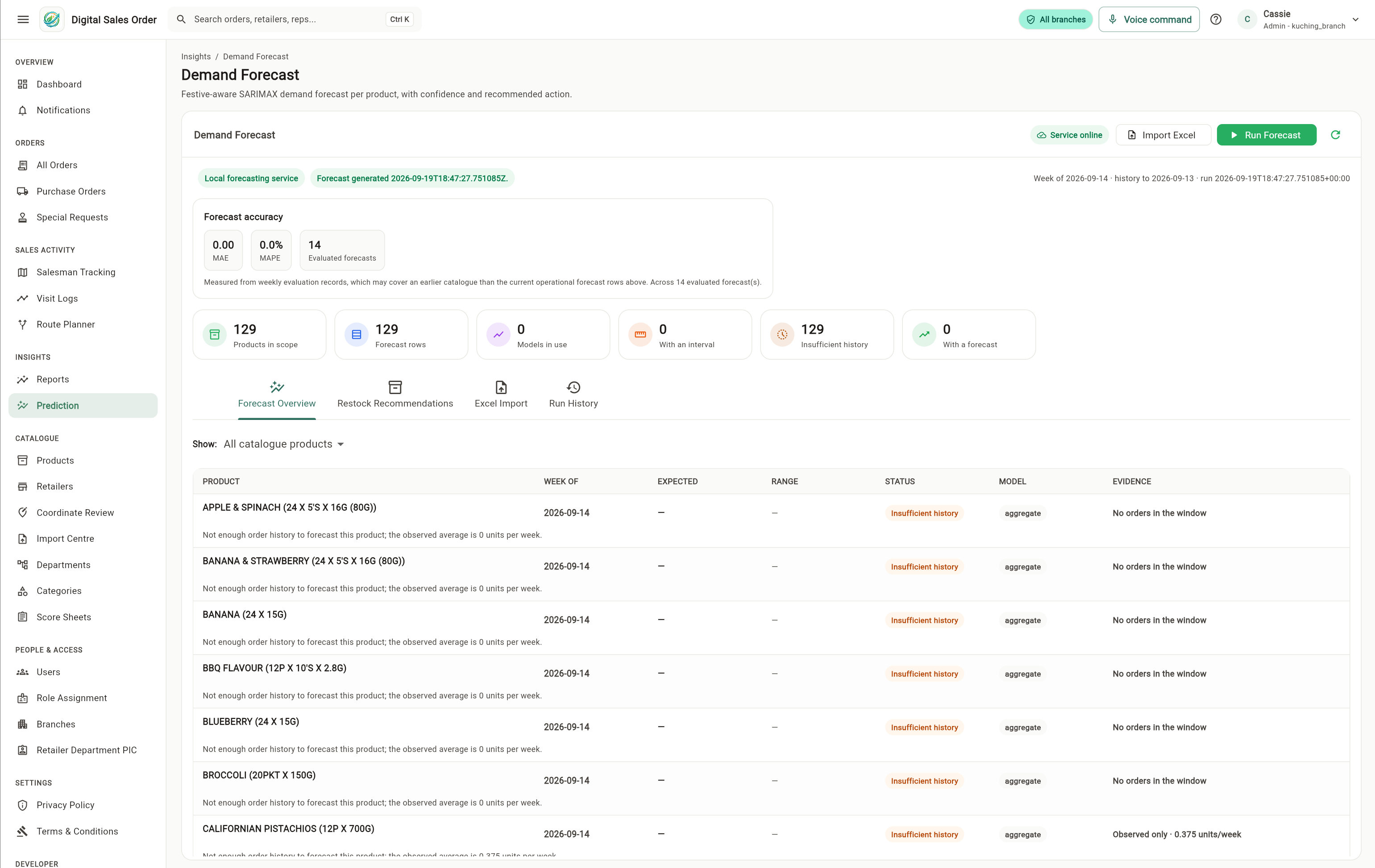
All interfaces above are real project captures. Visible retailer and activity records are team-entered simulation and testing data, not production validation.
The feedback loop, simplified
Everyday field activity becomes useful evidence, while recommendations stay explainable and suggestion-only.
Orders, visits and structured outcomes.
Analysis and explainable sales signals.
Priorities, routes and a short visit brief.
The salesperson acts, then records what happened.
Outcomes return as evidence for the next cycle
Benefits by role
Salesperson
A guided retailer stop, product search and order entry stay in one continuous workflow, with the order preserved even when connectivity drops.
Simulation data shownCurrent project position
Records shown are team-entered simulation and testing data associated with real Kuching retailer entities. They are not a complete client production dataset.
The proposed approximately 30% reduction in salesperson working time remains a target for controlled user testing, not a measured result.
The current system does not prove productivity gains, lower error rates or sales uplift. Those outcomes require testing and human review.
Location information is supplementary and available only when the user has enabled location sharing.